
QUBIC BLOG POST
Complete Security Guide for Qubic Users: Wallet Protection & Best Practices
Written by

The Qubic Team
Published:
Listen to this blog post
A recent security incident affected one of our community members, and as a result their funds were compromised. This isn't a story we want to repeat.
Cryptocurrency security is unforgiving. There's no customer support hotline, and no bank to reverse the transaction. Once your digital assets are gone, they're gone forever. The only real protection against crypto theft is security and prevention.
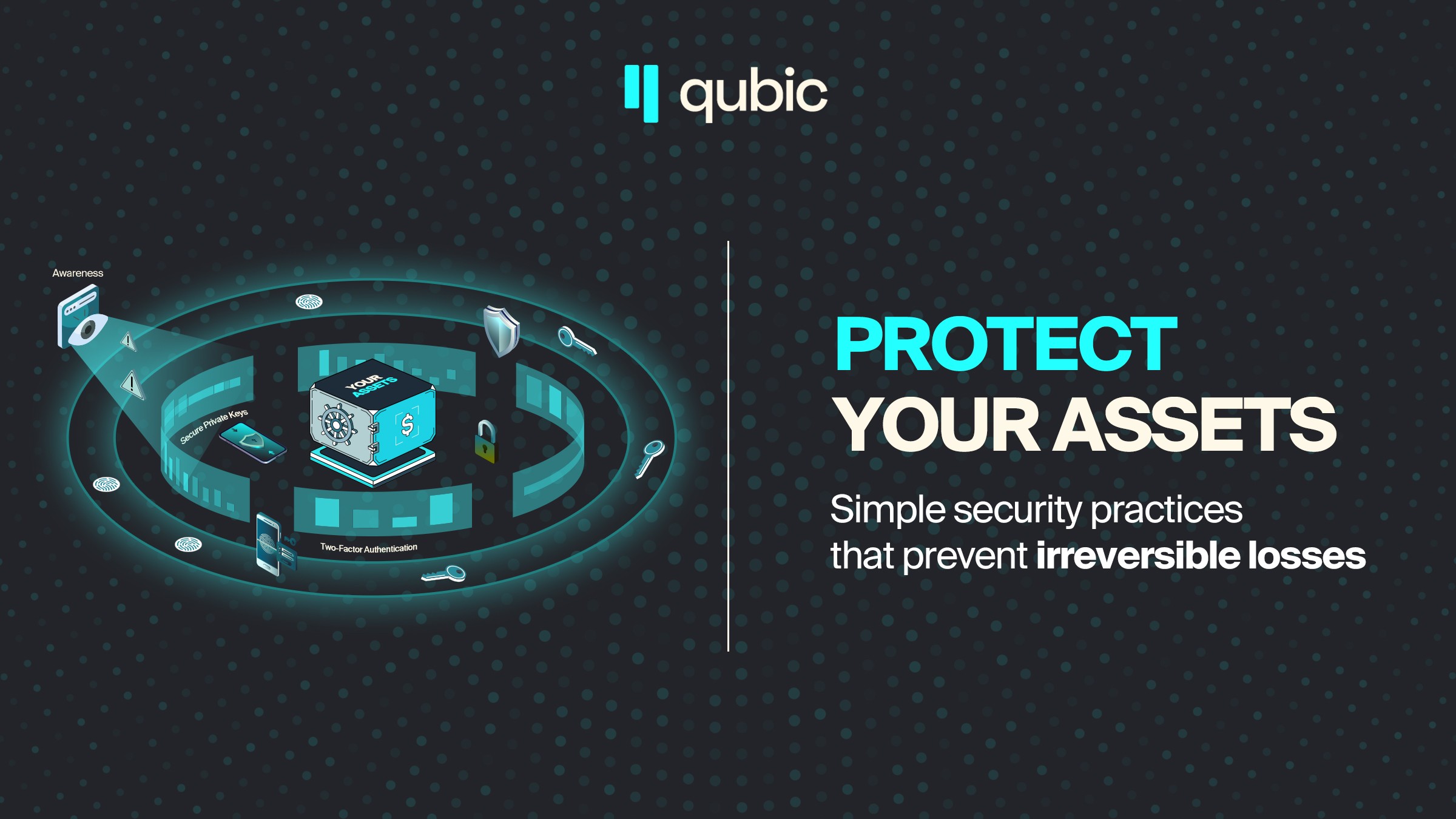
This guide covers the practical steps you can take right now to secure your QUBIC holdings and protect yourself, hacks, scams and other compromising situations.
The Basics: Your First Line of Defense Against Crypto Theft
Enable App-Based Two-Factor Authentication
SMS-based 2FA is a security illusion. SIM swap attacks rose over 1,000% in 2024, and attackers regularly intercept text messages by manipulating mobile carrier employees. Once they control your phone number, they control your accounts.
Add an authenticator app to your crypto accounts immediately, here are some of the ones that are most commonly used:
Google Authenticator (Android/iOS) - generates time-based codes offline
Authy (Android/iOS) - includes encrypted cloud backup for recovery
Aegis Authenticator (Android) - open-source and privacy-focused
For maximum account security, consider a hardware security key like YubiKey for your exchange accounts and email. These devices require physical possession to authenticate, making remote account takeovers extremely difficult. They're resistant to both SIM swapping and phishing attempts.
Connect Only to Private Networks
Public WiFi networks pose serious security risks for crypto users. Attackers can set up fake hotspots, intercept unencrypted data, and deploy man-in-the-middle attacks to capture credentials or inject malicious code.
That coffee shop network? Avoid it for anything crypto-related.
Best practice: Use your home network or mobile data for cryptocurrency transactions and wallet access. If you must use public WiFi, connect through a reputable VPN service first, but understand this isn't foolproof. The safest approach is to avoid public networks entirely when managing your crypto.
Use Dedicated Devices for Cryptocurrency
Your daily browsing device carries inherent risks. Browser extensions can be compromised, downloads may contain keyloggers, and every website you visit expands your attack surface.
Advanced protection: Consider dedicating a device exclusively to cryptocurrency activities. This doesn't need to be expensive, a basic laptop or tablet running a current, updated operating system works well. The key is isolation: no casual browsing, no personal email, no downloads except verified wallet software and essential security updates.
If a dedicated device isn't feasible, at minimum:
Create a separate user account on your computer for crypto only
Disable unnecessary browser extensions before accessing wallets
Keep your operating system and security software fully updated
Never access your wallet while running other applications
Understanding Hot Wallets vs. Cold Wallets
This distinction is critical for cryptocurrency protection.
Hot wallets stay connected to the internet. They're convenient for frequent transactions but vulnerable to online attacks. Think of them like your everyday wallet, you keep some cash for daily expenses, not your life savings.
Cold wallets (hardware wallets) store your private keys offline. They only connect briefly when signing transactions. Devices like Ledger Nano X, Ledger Nano S Plus, or Trezor are purpose-built for secure crypto storage, with protections against both physical and remote attacks.
For Qubic holders specifically, HashWallet offers full native support. This isn't limited to just holding QUBIC. The wallet handles Qubic tokens, shares, QEarn staking, and swaps directly on the device. No workarounds or third-party bridges required.
The security architecture is worth noting. HashWallet uses an EAL6+ certified chip, the same certification level found in government and military applications. The firmware is non-updatable by design, which eliminates the risk of malware-based key extraction through fake updates.
The rule is simple: hot wallets for spending money, cold storage for savings. Never keep significant $QUBIC holdings in a hot wallet connected to the internet.
Qubic-Specific Security: MSVault Multi-Signature Protection
For holdings above 100 billion QUBIC, a single-signature wallet isn't enough. One compromised key means total loss.
MSVault is Qubic's multi-signature vault system. It works like a shared safe where funds can only move if multiple owners approve the transaction.
Here's what this multi-sig wallet offers:
Shared Control: Set up your vault to require 2-of-3 or 3-of-5 approvals before any funds leave. Even if one key is compromised, your cryptocurrency assets stay protected.
Flexible Configuration: You choose the number of owners (2 to 16) and the approval threshold. A personal vault might use 2-of-3 with keys stored in different physical locations. A business might require 3-of-5 with keys held by different team members.
On-Chain Verification: Everything happens through Qubic's smart contract infrastructure. No middleman, no trust assumptions beyond the protocol itself.
The cost runs about $50 per year. That's affordable insurance for significant cryptocurrency holdings.
MSVault currently supports native QUBIC, with custom asset token support in development.
Communication Security for Crypto Users
Separate Your Digital Identities
Your personal phone number ties to your real identity. It's linked to your bank, your email recovery, your social media. When attackers research targets for crypto theft, this becomes the thread they pull.
Consider using a separate phone number for Telegram and WhatsApp accounts related to cryptocurrency. Services like Google Voice or a secondary SIM card create separation between your crypto identity and your personal life.
Create a Dedicated Email for Exchange Accounts
Set up a new email address used exclusively for exchange logins. Proton Mail offers end-to-end encryption and doesn't tie to your identity. Never use this email for anything else. No newsletters, no social media, no shopping accounts.
This limits your exposure. If your main email gets compromised in a data breach, your exchange accounts remain isolated and protected.
Seed Phrase Security: Protecting Your Cryptocurrency Recovery Key
Your seed phrase is everything. Anyone who has it controls your funds completely.
Never store it digitally. Not in screenshots. Not in Notes apps. Not in email drafts. Not in cloud storage. Not even in password managers. These are all potential attack surfaces for crypto theft.
Write it on paper. Use a pen, not a printer (printers have memory). Store that paper somewhere secure. A fireproof safe. A bank safe deposit box. Multiple copies in different physical locations provide redundancy.
Some people stamp their seed phrase into metal plates for long-term secure crypto storage. Fire and water can destroy paper. Metal survives disasters that paper cannot.
When it comes to cryptocurrency security, you can never be too careful. What seems like excessive caution today could be the only thing standing between you and total loss tomorrow.
Crypto Security Do's and Don'ts
❌ Don't | ✅ Do |
Store seed phrases in screenshots, cloud notes, or email | Write seeds on paper and store offline in multiple secure locations |
Share passwords or seed phrases with anyone, ever | Use a password manager like Bitwarden or 1Password for unique, complex passwords |
Use SMS-based 2FA for cryptocurrency accounts | Use authenticator apps (Google Authenticator, Authy) or hardware keys like YubiKey |
Keep large holdings in hot wallets | Move significant funds to hardware wallets or MSVault |
Connect to public WiFi for crypto activities | Use private networks or mobile data only |
Connect wallets to random third-party dApps | Verify every connection, limit approvals, revoke unused permissions regularly |
Click links from DMs claiming to be support | Reach out through official channels only; legitimate support never DMs first |
Trust giveaways or "security alerts" at face value | Treat unexpected messages as potential phishing by default |
Discuss your cryptocurrency holdings publicly | Keep your portfolio private to avoid becoming a target |
Rush through transaction approvals | Double-check addresses, verify amounts, take your time |
Use simple or reused passwords | Generate 20+ character passwords with mixed characters for each account |
Keep unused browser extensions installed | Remove any extension you don't actively need to reduce attack surface |
Sync clipboard across devices | Disable clipboard sync to prevent seed phrase exposure |
Navigate to Qubic through search engines | Bookmark official links like wallet.qubic.org and use those bookmarks |
Operational Security Habits for Cryptocurrency Protection
Always verify addresses before signing transactions. Malware can swap clipboard contents. If you copy an address and paste it into a transaction, what you paste might not match what you copied. Read the address character by character, especially the first and last few characters.
Do test transactions first. Sending cryptocurrency to a new address? Send a tiny amount first. Confirm it arrives. Then send the rest. Yes, you'll pay two transaction fees. That's much cheaper than losing everything to a typo or clipboard hijack.
Keep your systems updated. Operating system patches, wallet software updates, browser updates. These fix security vulnerabilities that hackers exploit. Delaying updates leaves you exposed to known attack vectors.
Lock your devices properly. Strong PIN or biometric authentication. Auto-lock after brief inactivity. Full disk encryption if your OS supports it for additional crypto security.
Bookmark official Qubic links. Phishing sites mimic legitimate ones with near-identical URLs. Searching "Qubic wallet" might lead you to a fake site designed to steal your credentials. Bookmark the real URLs at qubic.org and access them only through those bookmarks.
Social Engineering: The Human Attack Vector
Technical security means nothing if you can be manipulated into giving away access.
No legitimate support will ever DM you first. Not on Discord, not on Telegram, not anywhere. Anyone claiming to be from Qubic support who initiates contact is a scammer attempting crypto theft. Full stop.
Giveaways are scams until proven otherwise. "Send 1000 QUBIC, receive 10000 back" is theft. Real giveaways don't work that way. Ever.
Urgency is a manipulation tactic. Messages creating panic about compromised accounts, limited-time offers, or emergency situations are designed to bypass your rational thinking and trick you into unsafe actions. Slow down. Verify through official channels. Real emergencies can wait five minutes for verification.
Verify announcements across multiple official sources. Check the official website, the verified X account, the official Discord announcements channel. If something appears in only one place, be suspicious. Cross-reference before taking any action.
Final Thoughts on Cryptocurrency Security
Security isn't a one-time setup, it's ongoing vigilance. The threat landscape evolves constantly. Attack methods become more sophisticated. What protected your $QUBIC last year might not be enough today.
Make security a habit:
Review your security practices periodically
Audit which dApps have access to your wallets
Test your backup procedures to ensure they still work
Stay informed about new threats targeting the Qubic community in our dedicated Discord channel.
The recent incident in our community proves that crypto theft can happen to anyone, regardless of experience level. The difference between keeping your assets and losing everything often comes down to a single security decision.
You can never be too careful when protecting your cryptocurrency. The steps you take today could be the only thing standing between you and irreversible loss.
Take action now. Your future self will thank you.
Have questions about securing your cryptocurrency? Join the official Qubic Discord or Telegram for community discussion. Learn the basics of Qubic wallets in our Academy.
Remember: Official support will never DM you first.